
Clor AI
A photo editor with AI tools (portrait retouching, pose, colors), on the web, on desktop and on mobile.
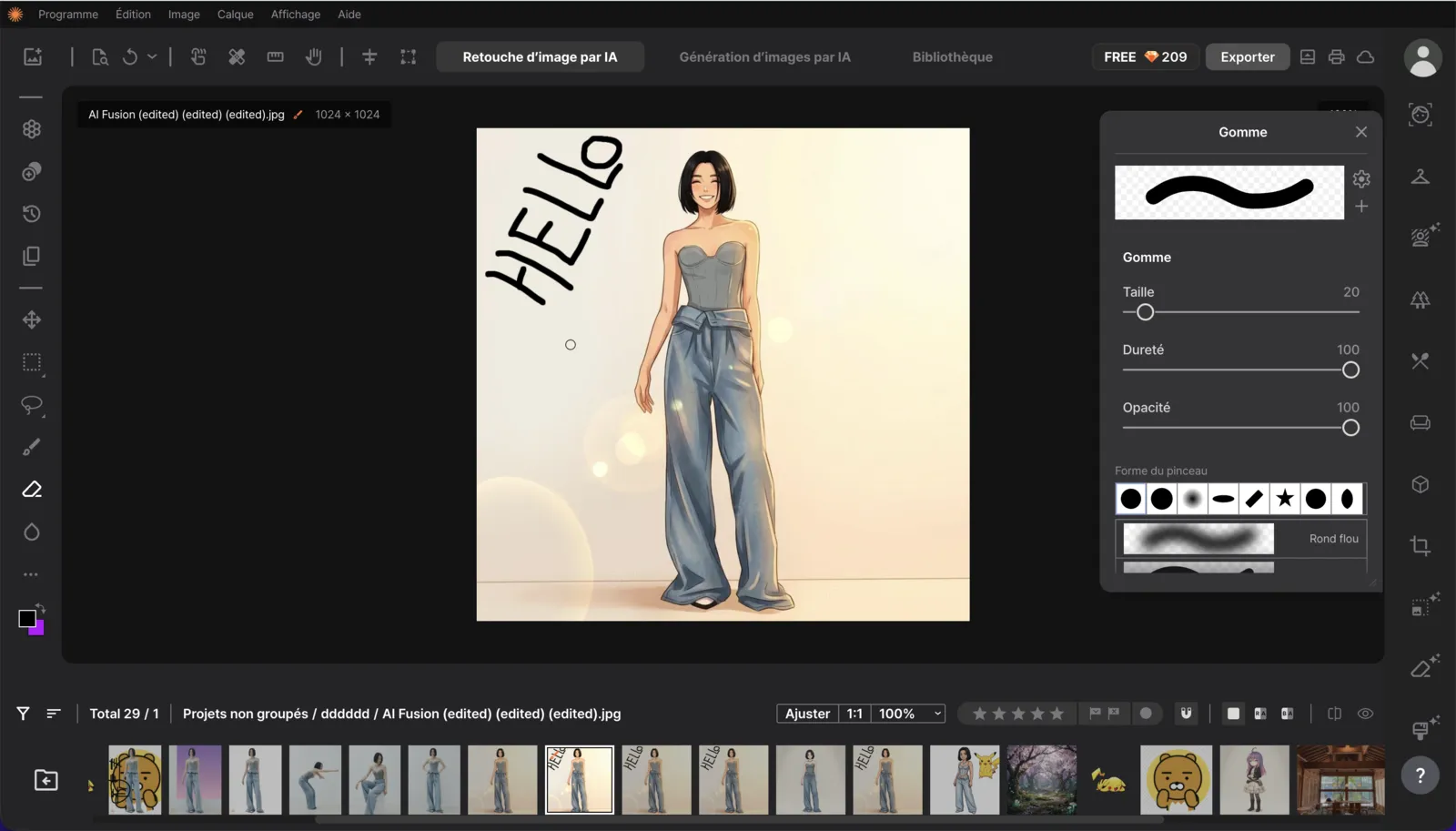
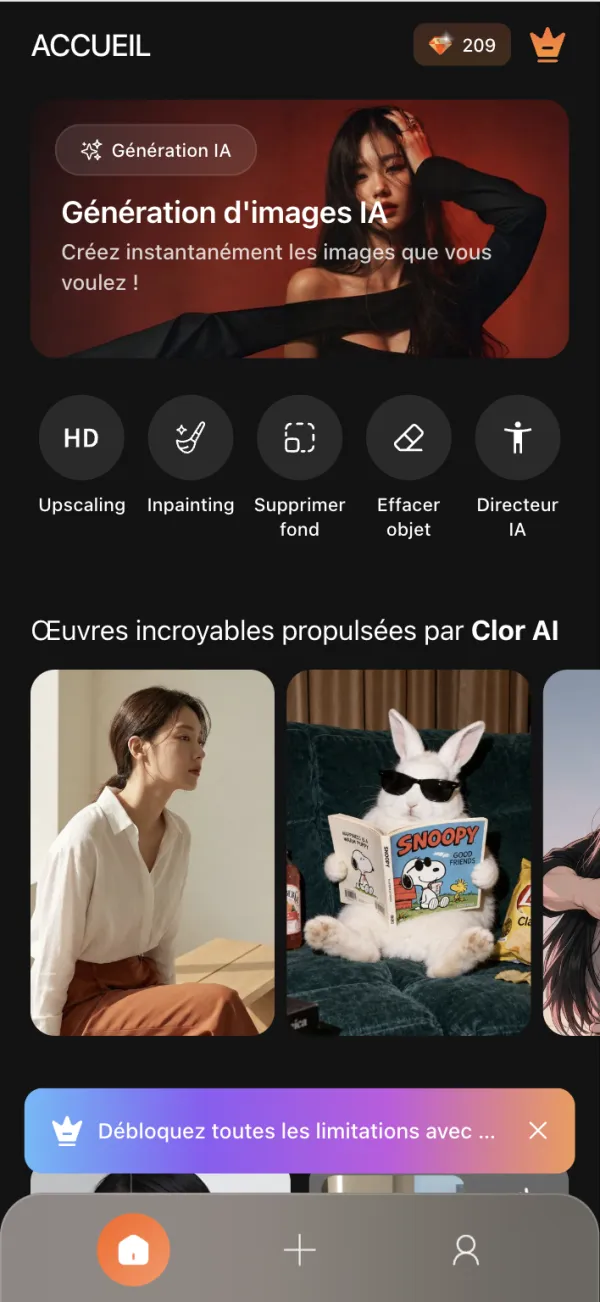
Retouching a photo with AI
Clor AI is a photo editor: layers, brush, text, cropping, and AI tools to retouch a portrait, change a pose or correct colors.
I joined Infinique in January 2026. A single codebase is used for the web, the desktop app and the mobile app. My role: build the screens from the Figma mockups, then develop retouching tools, mostly on mobile.
From the interface to the retouching tools
- 01.2026Interface foundations: colors and fonts in Tailwind.css, icons, shared components (dropdown menus, dialogs, notifications), login and sign-up pages.
- 02.2026Editor tools: toolbars, brush, text and shape panels, color picker, draggable panels; handles to resize, align and rotate layers.
- 03.2026Portrait colors: color correction panel, with sliders and presets.
- 04.2026Mobile app: home, library, projects, trash, subscription, cloud storage, FAQ, sign-up with SMS verification, and the editing page.
- 07.2026Retouching tools on mobile: eyes, eyebrows, makeup, hair coloring, body shape, corrections for food, interiors and products. Settings can still be changed afterwards.
- 08.2026Pose: pose editing screen (skeleton), pose presets.
- 09.2026Fixes: bugs reported from the client's testing, interface translations (12 languages).
A few screens
Screenshots taken locally. The photos used are AI-generated or royalty-free. Under each screen, what I worked on. Click a screenshot to enlarge it.
Mobile app
On desktop
Coding with AI
On Clor AI, I develop with Claude Code every day. I learned to use it with a method:
- ContextGiving the right instructions: I update the project's instruction file for the AI (AGENTS.md), for example with the design system colors, so that the suggested code follows our conventions.
- BreakdownOne problem at a time: one bug or one feature per change, with a clear message and the number of the bug reported by the client.
- CheckingTesting before validating: automated tests on the retouching settings, and a QA tool built with the team, which shows the client's feedback for each bug and replays the scenario in the app.
- ReviewStaying in control: I review each change and test it myself in the app before sending it.
This is what allowed me, for example, to adapt the retouching tools from the desktop version to the mobile app, then fix the bugs reported by the client.